 UO Tools Archive
Program na nahrazení itemů určitého ID v mapě/statice jinými.
Program replace selected item id in map with another.
Screenshot
Downloads
- Download (123 KB)
Archived from the Manawydan UO tools archive (originally by RadstaR, 2004-2016).
Program na nahrazení itemů určitého ID v mapě/statice jinými.
Program replace selected item id in map with another.
Archived from the Manawydan UO tools archive (originally by RadstaR, 2004-2016).
Programy na patchování a opravu verdata.mul.
Programs to patch and repair verdata.mul file.
Archived from the Manawydan UO tools archive (originally by RadstaR, 2004-2016).
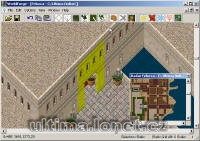
Program na editaci mapy a statiky.
Archived from the Manawydan UO tools archive (originally by RadstaR, 2004-2016).
Program na editaci mapy s podporou POLu.
Program edit MAPx.mul files with POL support.
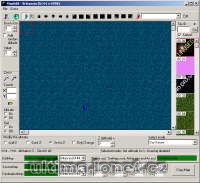
Archived from the Manawydan UO tools archive (originally by RadstaR, 2004-2016).
Program na úpravu map.
Program edit MAPx.mul files.
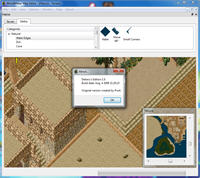
Archived from the Manawydan UO tools archive (originally by RadstaR, 2004-2016).
Program na úpravu map.
Program edit MAPx.mul files.
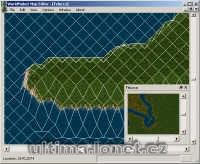
Archived from the Manawydan UO tools archive (originally by RadstaR, 2004-2016).
Program na vygenerování mapy z BMP obrázků pro UO Landscaper (používá i jeho transitions).
Program generate maps and statics files from BMP pictures from UO Landscaper (use his transitions).
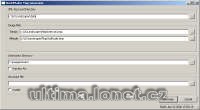
Archived from the Manawydan UO tools archive (originally by RadstaR, 2004-2016).
Program na vygenerování mapy z BMP. Obrázek musí být ve formátu pro UO Landscaper.
Program generate maps and statics files from BMP pictures in UO Landscaper format.
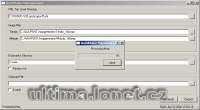
Archived from the Manawydan UO tools archive (originally by RadstaR, 2004-2016).
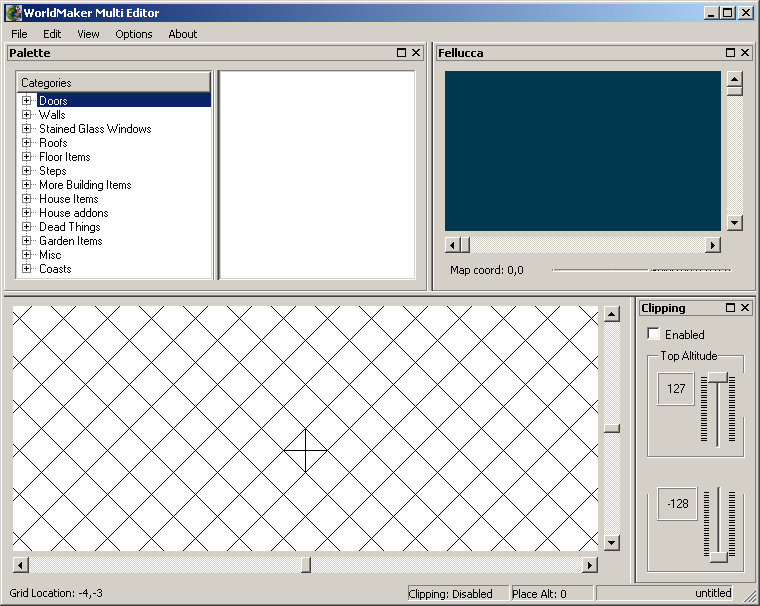
Program na úpravu multi.mul.
Program edit file multi.mul.
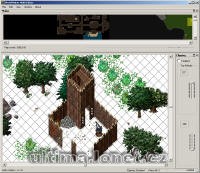
Archived from the Manawydan UO tools archive (originally by RadstaR, 2004-2016).
V tomto návodu si ukážeme, jak vzít nějaký objekt uložený ve statice a uložíme ho do MULTI.MUL. K práci budeme potřebovat tyto programy: WorldMaker Multi Editor (2.35 MB), případně ještě Mulpatcher nebo InsideUO pro prohlížení obsahu souboru MULTI.MUL.
Po spuštění programu vyberte: